
Learn how to tune with the Alientech Kess 3 Remapping tool
Learn how to tune with the Alientech Kess 3 Remapping tool with Alientech Tuning Tools. If you are new to the Alientech kess3 tuning and remapping system once of the first things you will what to know is how to used the tool sand software. And how to get the best from your new purchase.
The good news is the Alientech Kess3 is really straightforward tool to use. The new operating software to go with the kess3 is called “Alientech-Suite” . Its fast and very easy to navigate. Making finding and tuning vehicle a simple affair.
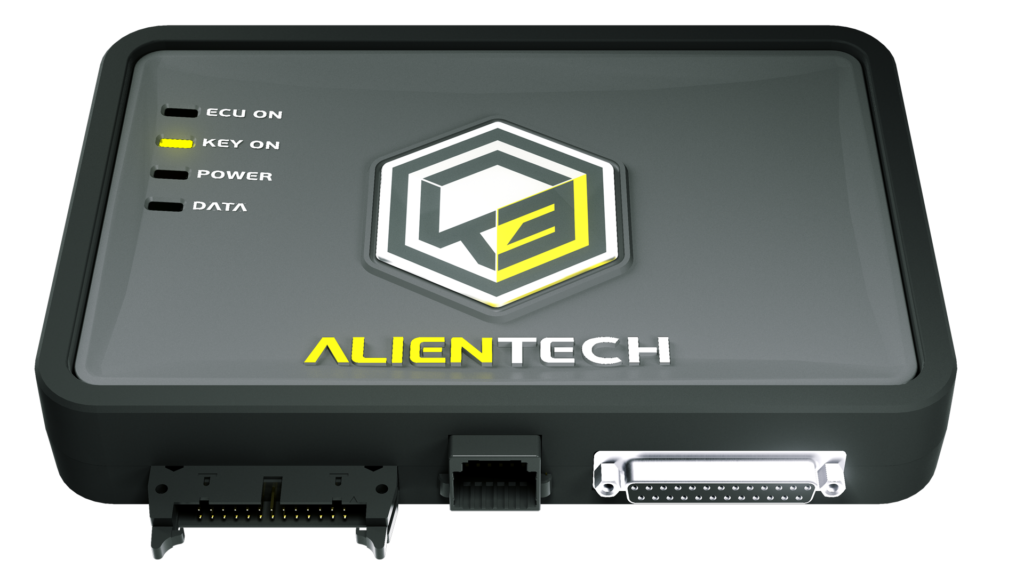
The Kess3 tool is also much faster to read and write the tuning and ECU remapping software files.
Alientech Kess3 Training Videos
The Kess3 offers three different tuning and programming modes. OBD tuning, Boot Tuning and Bench Tuning ( sometimes known as service mode) Below you will find three training videos, once for each method of connecting to the vehicles ECU
Alientech Kess3 OBD Tuning Training
This training and demonstration video will take you step by step through tuning and ECU remapping with the Kess 3 system through the OBD. (On Board Diagnostic) Port
Alientech Kess3 OBD Tuning Training
Alientech Kess3 Boot mode tuning
And in this video we will take you through tuning and ECU remapping direct to the ECU through Boot Mode
Alientech Kess3 Boot mode tuning
Alientech Bench timing / Service mode
And finally the last training and demonstration video will show you the ins and outs of Bench or Service mode tuning and remapping.
Alientech Bench timing / Service mode
We hope you found these Kess3 training sessions of use. Also available are a range of Alientech ECM training course. Where you can learn to write and develop your own remap files and software.
If you have not yet purchased your Kess3 , you can see the tool hardware and all the software protocols options here in the Alientech Tuning Tools Shop
Worldwide sales, support training and tax free shipping
Please let us know if you have any questions, you can Contact Us Here